Typing Tips Help
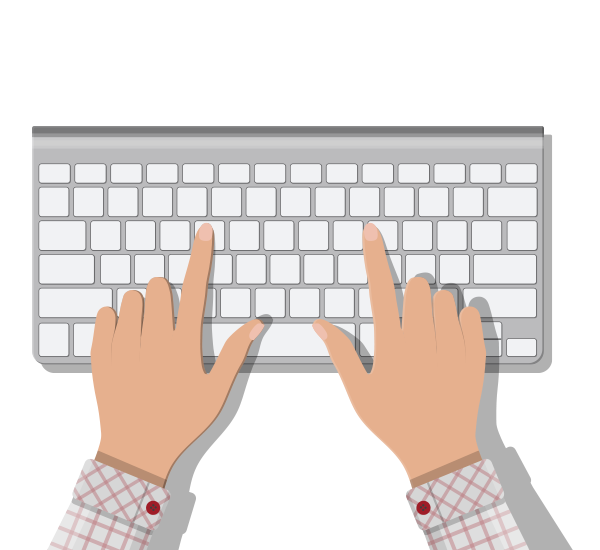
Typing Tests
Measure your words per minute (WPM) on words or sentences. Try 1, 3 or 5 minute tests.
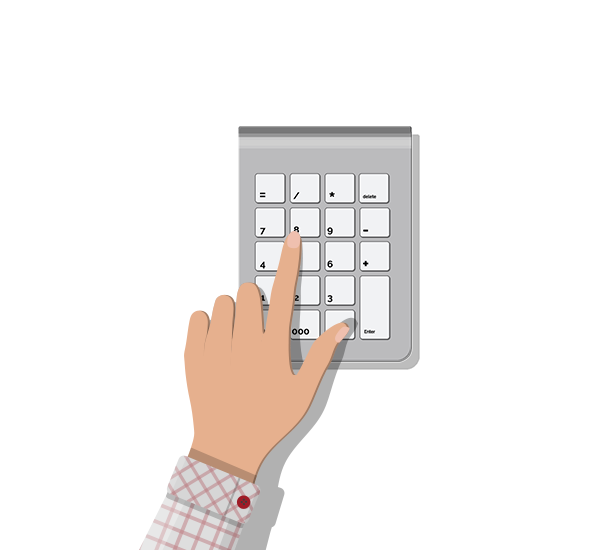
Ten-Key Tests
Measure your words per minute (WPM) speed on ten-key numeric pads. Try 1, 3 or 5 minute tests.
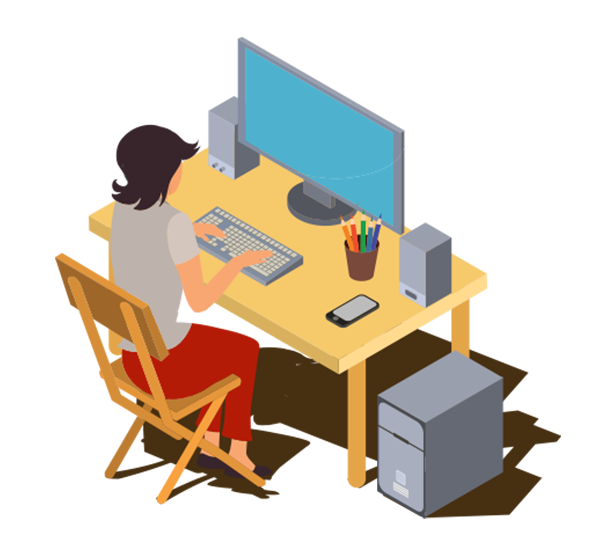
Typing Tips
Improve your speed and accuracy with some best practices from your hand position to posture.
Typing Tips
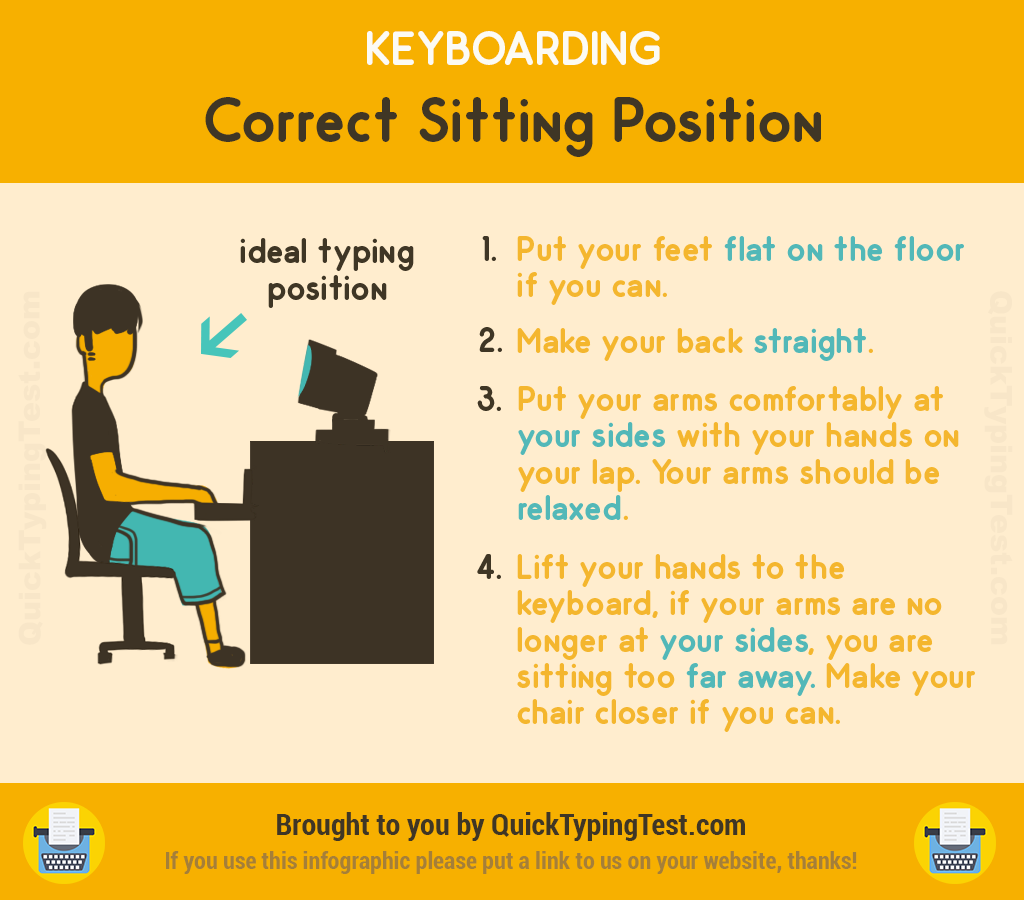
Correct Sitting Position
- Put your feet flat on the floor if you can.
- Make your back straight.
- Put your arms confortably at your sides with your hands on your lap. Your arms should be relaxed.
- Lift your hands to the keyboard, if your arms are no longer at your sides, you are sitting too far away. Make your chair closer if you can.
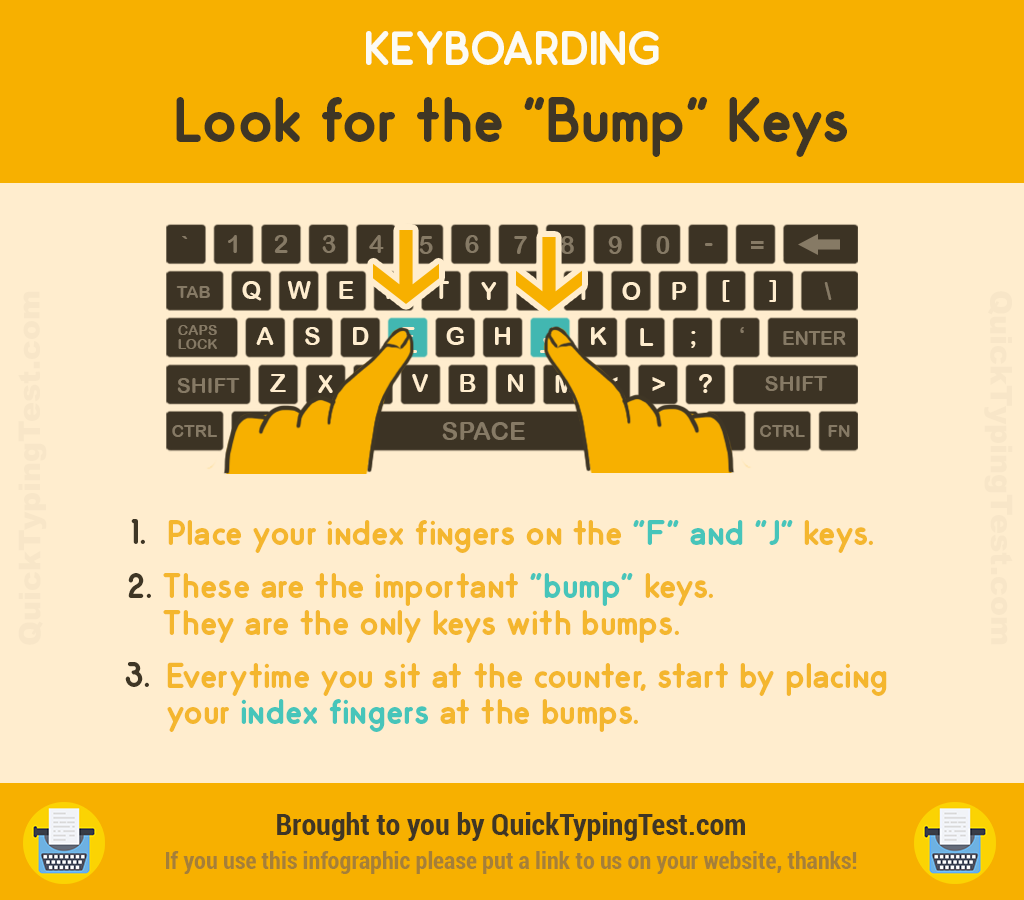
Look for the "Bump" Keys
- Place your index fingers on the "F" and "J" keys.
- These are the important "bump" keys. They are the only keys with bumps.
- Everytime you sit at the counter, start by placing your index fingers at the bumps.
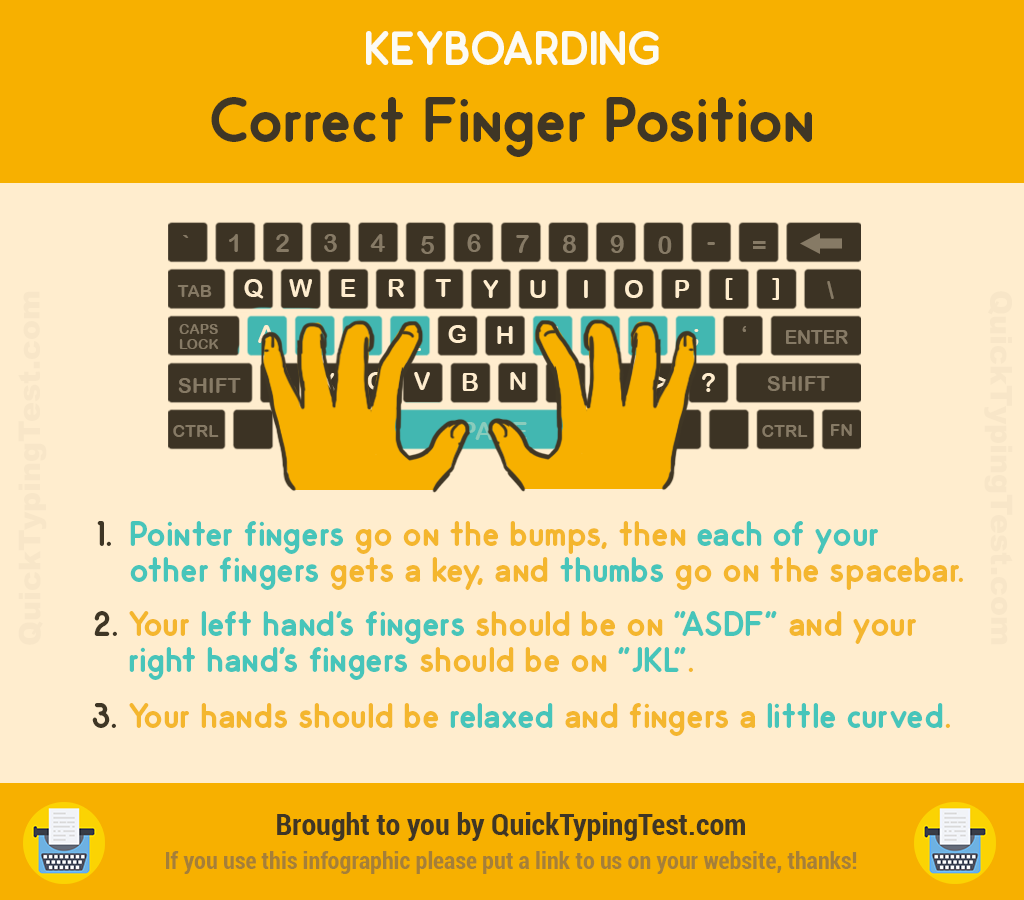
Correct Finger Position
- Pointer fingers go on the bumps, then each of your other fingers gets a key, and thumbs go on the spacebar.
- Your left hand's fingers should be on the "ADSF" keys and your right hand's fingers should be on the "JKL" keys.
- Your hands should be relaxed and fingers a little curved.
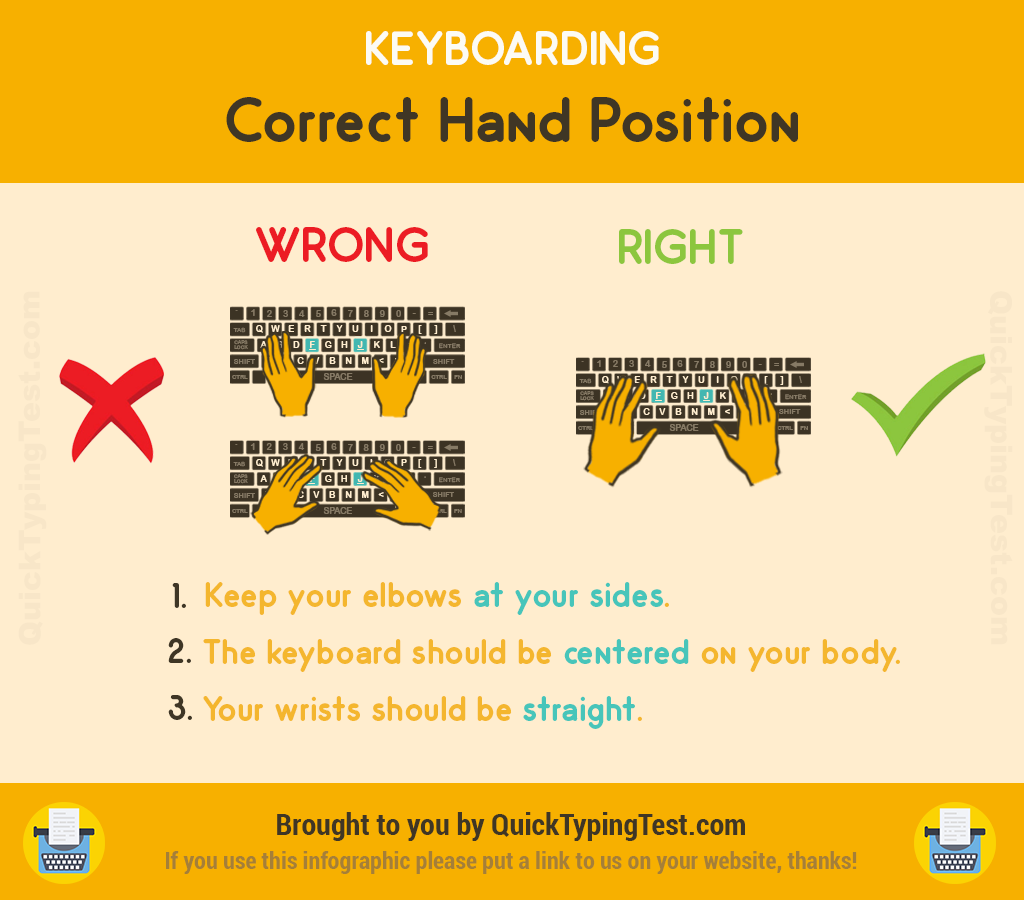
Correct Hand Position
- Keep your elbows at your sides.
- The keyboard should be centered on your body.
- Your wrists should be straight.
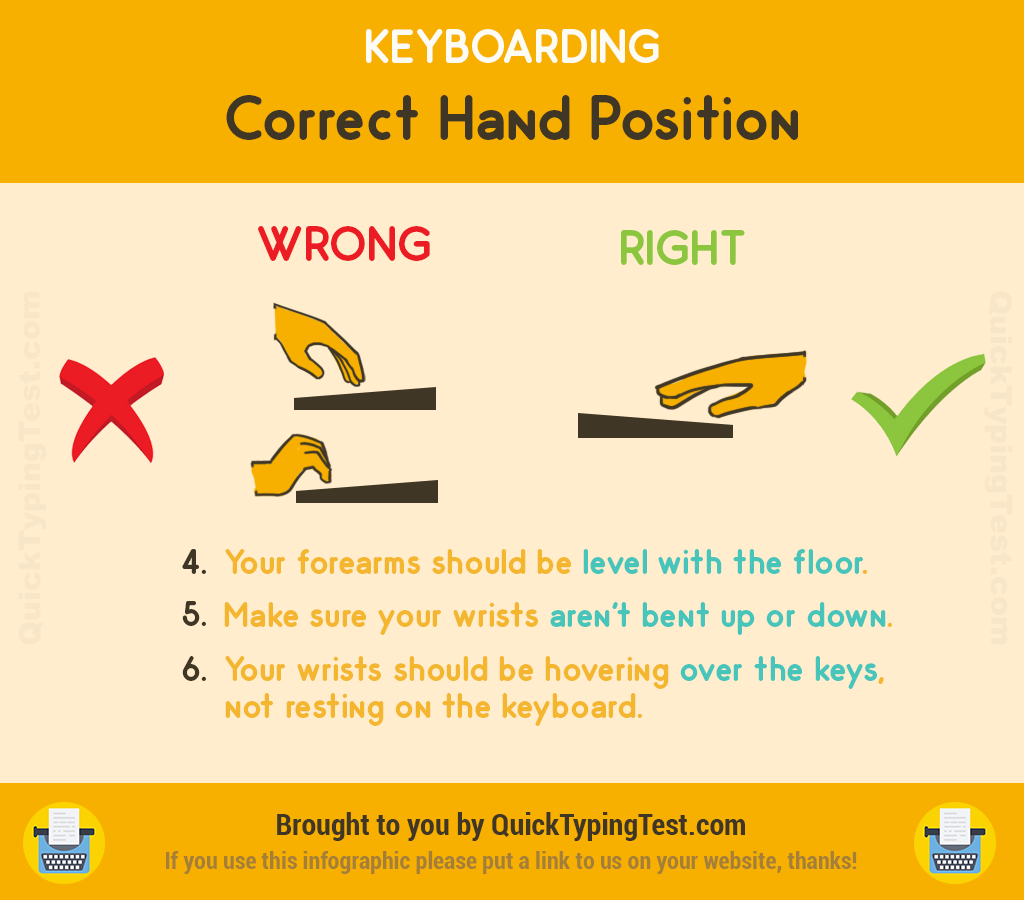
Correct Hand Position (cont.)
- Your forearms should be level with the floor.
- Make sure your wrists are not bent up or down.
- Your wrists should be hovering over the keys, not resting on the keyboard.